Learning that
feels like play.
Nine gentle games for ages 2 to 7. The screen stays locked until a grown-up says so.
Locked, safely.
⌘Tab, ⌘Q, nothing escapes.
Every key talks.
“A for Apple,” out loud.
Stars and stickers.
Rewards for trying.
Bedtime built in.
A gentle daily limit.
Playing in five minutes.
-
 1
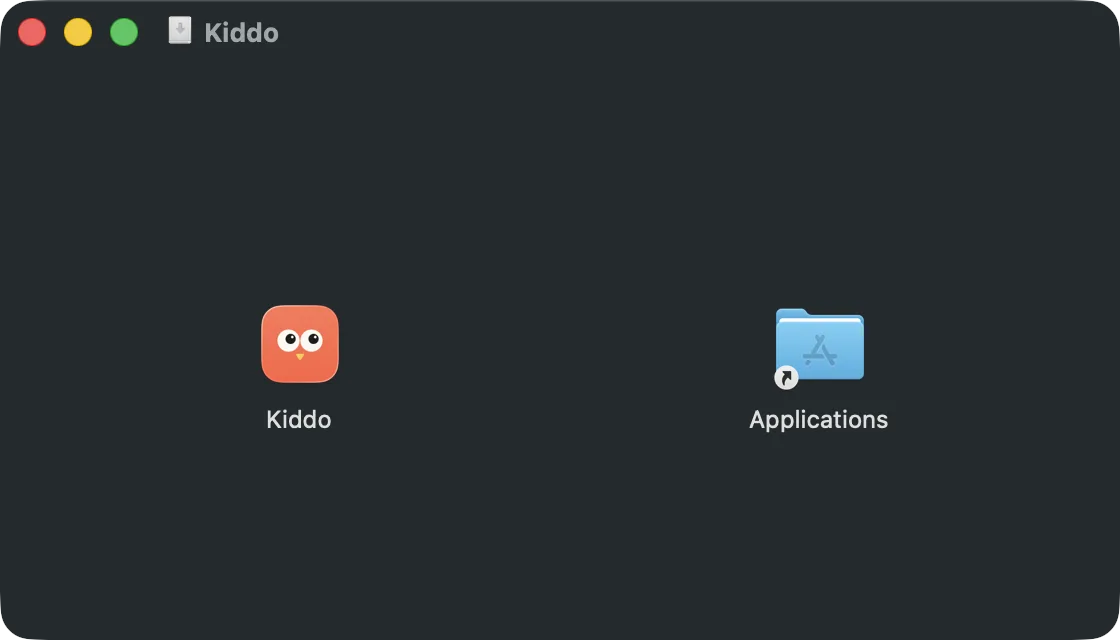
1Download and drag
The link comes by email. Open Kiddo.dmg and drag Kiddo into Applications.
-
2
Say yes, once
If macOS blocks Kiddo, click Open Anyway in System Settings → Privacy & Security.
-
3
Activate, once
Type the email you paid with, then the 6-digit code we send you.
-
4
Turn on the lock
Switch Kiddo on in Accessibility, so fn K works from any app.
-
 5
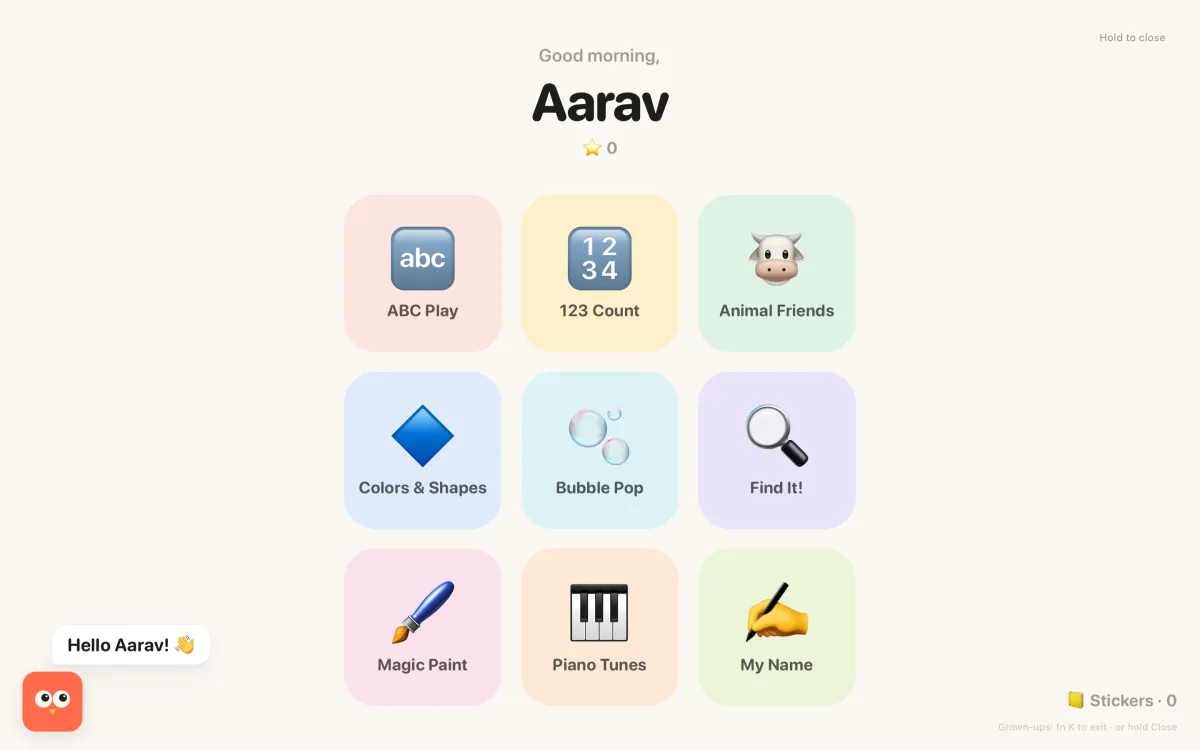
5Press fn K
Or choose Start Playtime from the owl in the menu bar. The screen locks.
-
 6
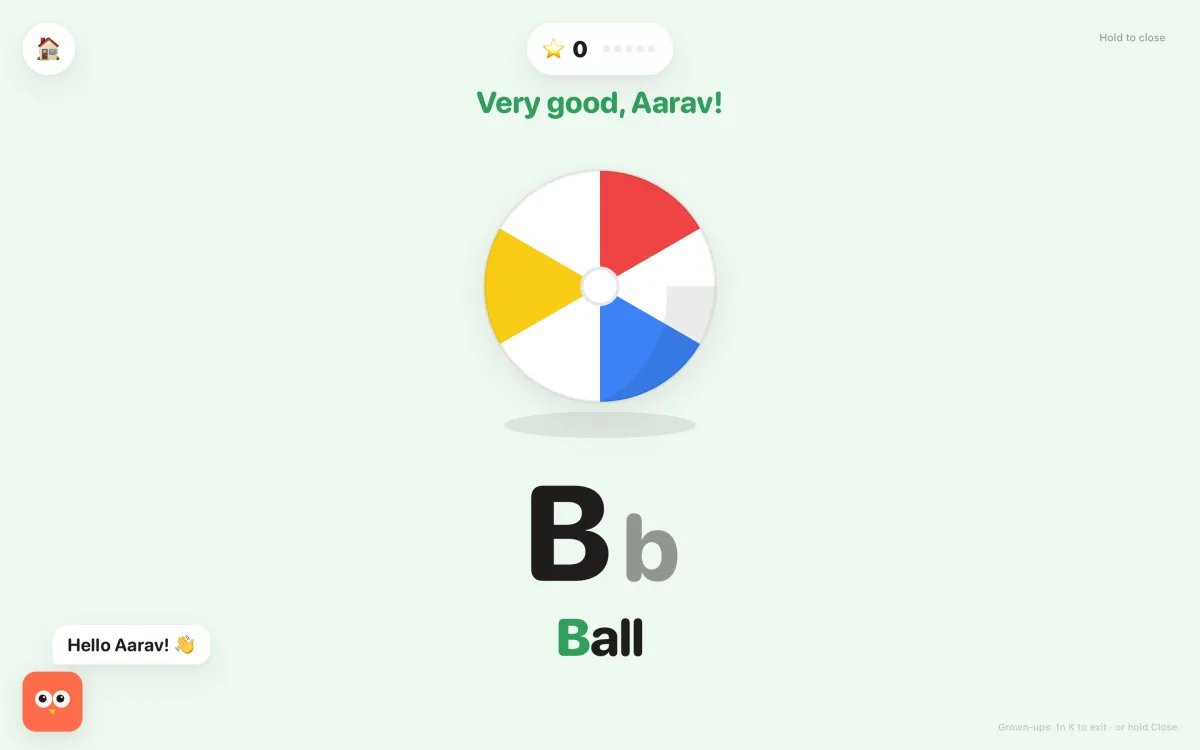
6Grown-ups get out
Press fn K again, or hold Close for a second and a half.
 Kiddo
Kiddo-
1
Download and open
The link comes by email. Open Kiddo-Setup.exe. If Windows warns you, click More info, then Run anyway.
-
 2
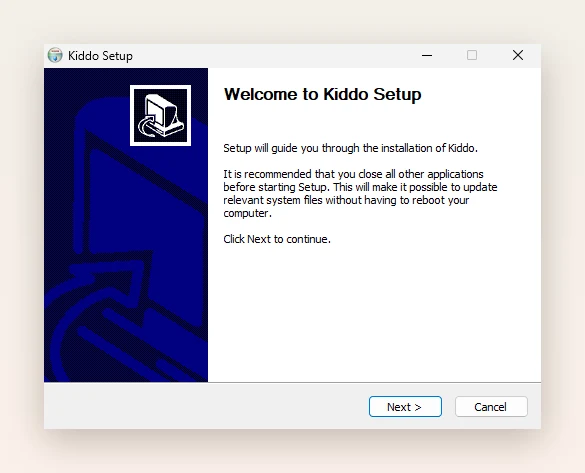
2Install
Click Next until you see Finish.
-
 3
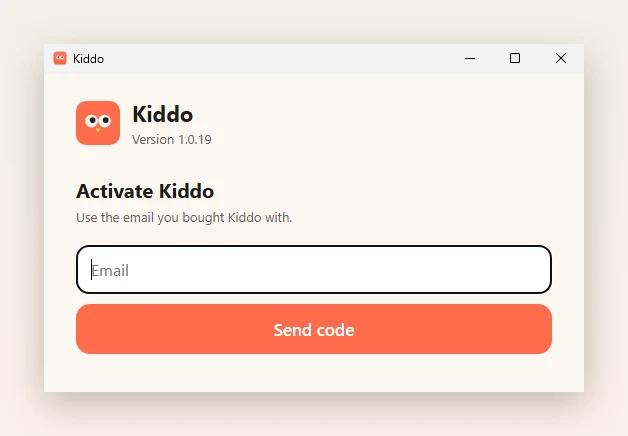
3Activate, once
Type the email you paid with, then the 6-digit code we send you.
-
4
Press Alt Z
Or choose Start playtime from the owl in the taskbar tray. The screen locks.
-
5
Grown-ups get out
Press Alt Z again, or hold Close for a second and a half.
The full guide, with every game and answers to common questions →

Ready when they are.
Mac & Windows · macOS 13+ · Windows 10/11
Get Kiddo ·
Get it for WindowsGet it for Mac